Redmine is open-source software for project management and issue tracking. It supports many projects, tasks, time tracking and version control systems. It also lets you make custom reports and connect Redmine to many other tools.
The Redmine API changes from version to version. Thus it is possible that a plugin that works with an older version does not work correctly with a later version.
At this time, version 4.x is the only supported version and the only tested version.
In theory, version 5.x also works, but it is not tested.
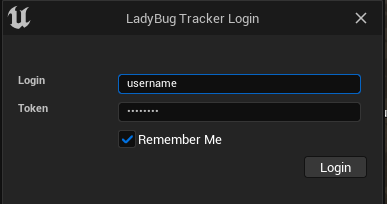
The Redmine integration uses a login and a password.
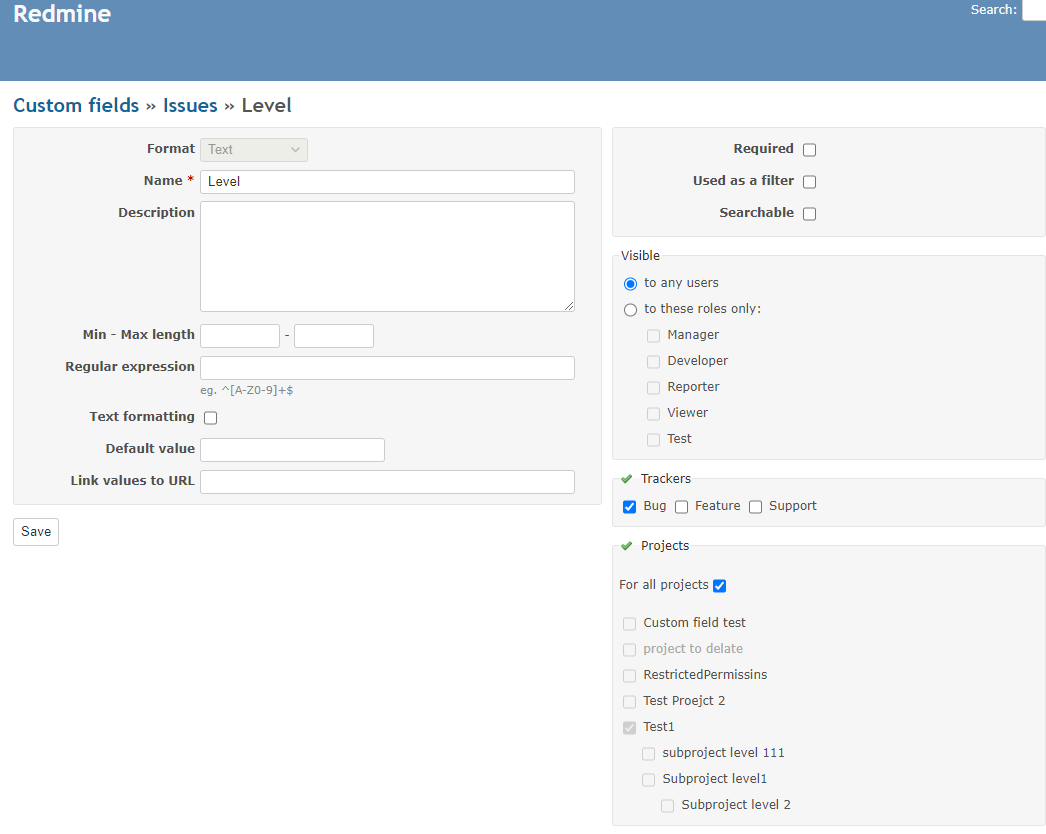
LadyBug Tracker needs two custom fields in the project: Level and Camera. Both fields must have the type Text.
To add these fields, do these steps:
Then do these steps again for the Camera field.
The Redmine server gives the definitions of custom fields only to users with admin accounts. The plugin needs these definitions to work correctly. Thus the project settings must also contain these definitions, in the LadyBug Tracker - Redmine section.
If you do not have admin rights, you must enter this data manually. If you have an admin account, the plugin gets this data from the server automatically, and saves it in the project settings. The project settings are in Config/DefaultBugTracker.ini. Thus you can share this data with the team.
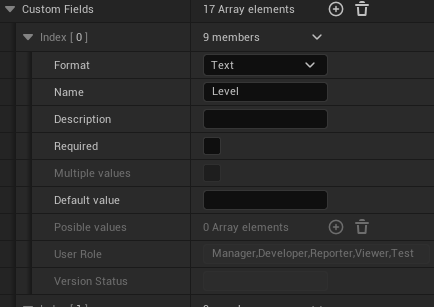
Even with an admin account, the plugin cannot get all of the data.
For fields of the type user, you must always enter the User Role field manually.
For fields of the type Version, you must also always enter the Version Status field manually.